Install Qvasa
Install from the Zendesk Marketplace as an admin. Qvasa provisions your account, webhook, and event trigger automatically. No API keys to copy, no pipeline to build.
-
Install from Zendesk Marketplace
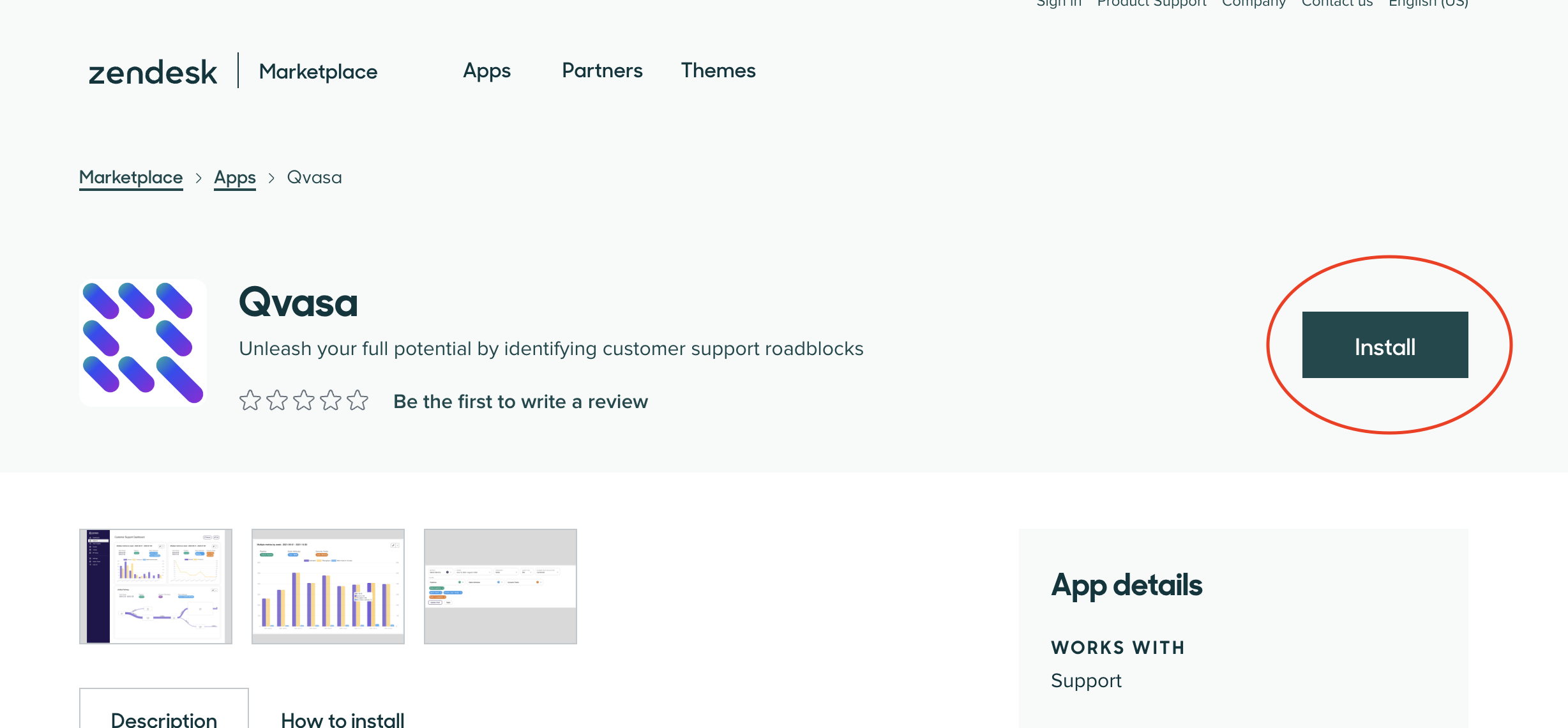
Open our app on the Zendesk App Marketplace and click "Install". A Zendesk Admin is required. That single click is the whole setup: Qvasa creates your account, webhook, and event trigger for you.
-
Verify Installation
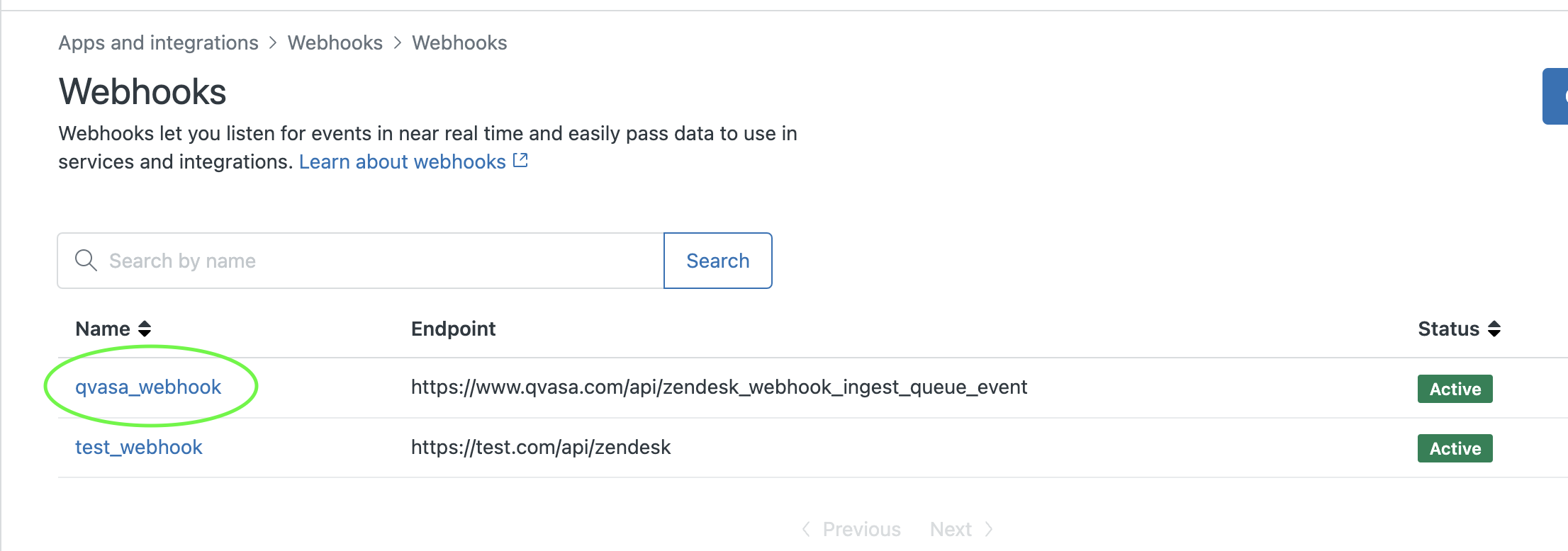
Auto-provisioning usually finishes within a couple of minutes. To confirm the webhook was created:
- Go to your Zendesk Admin Center
- Navigate to Apps & Integrations → Webhooks
- Look for a webhook named
qvasa_webhook
-
Don't see the webhook?
If the webhook hasn't appeared yet, try these steps:
- As a Zendesk Admin, navigate to your Zendesk Dashboard
- Wait 2 minutes for the app to fully install
- Check the webhooks page again
Still having trouble? Contact our support team and we'll help you get set up.
-
Not on Zendesk?
Qvasa also connects to Sunshine Conversations, Quiq, and more. Browse the full list of integrations, or request a demo and we'll walk you through connecting your platform.
Ready to get started?
Once installed, your data starts flowing automatically. Schedule a call to get personalized onboarding.