What is Call Handle Time?
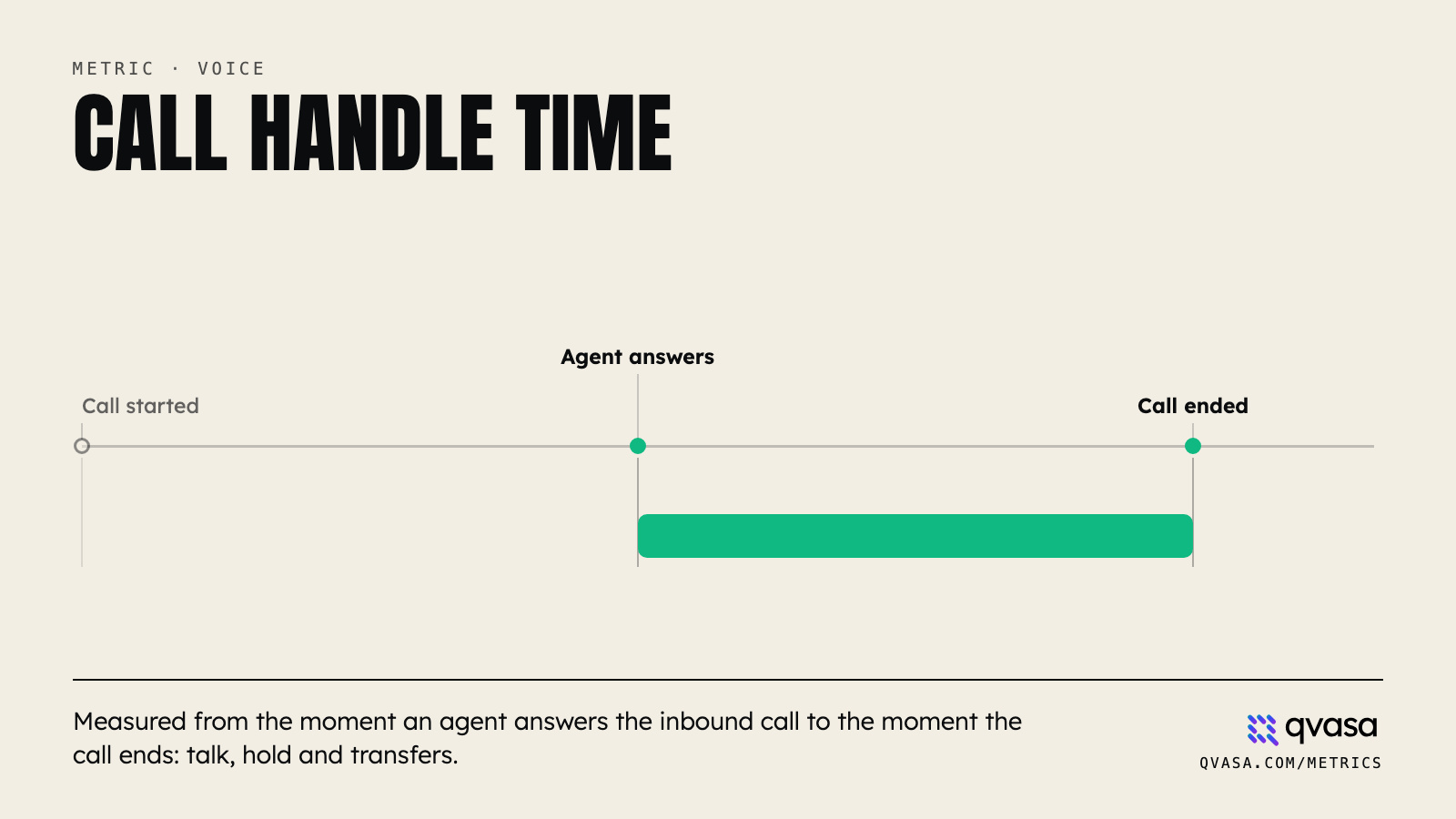
Call handle time is the time from when an agent answered an inbound call to when the call ended: talk, hold and transfer time.
How Call Handle Time is measured
How is Call Handle Time calculated?
Qvasa takes the whole call and subtracts Zendesk Talk's time to answer; for calls from before the account's call sync, the moment an agent was assigned during the call stands in for the answer. Only answered inbound calls are included, counted by when the call ended, and the figure is shown as an average or a median for the team, per agent or per customer. A separate per-agent handle time adds each agent's own talk, hold and wrap-up time on the inbound and outbound calls they took, counted by when the call started. Call duration is the related measure that includes the time before the answer.
FormulaCall Handle Time = the time from "Agent answers" to "Call ended"
Why Call Handle Time matters
Handle time sets how many calls an agent can take in an hour, which is the basis of phone staffing. Read per agent it shows who resolves calls quickly and who may need coaching or a different call mix.
Where it appears in Qvasa
Call Handle Time is available as a quick stat, a by-agent breakdown, a breakdown by ticket attribute and a by-agent trend over time (12 dashboard widgets measure it), and every number drills down to the tickets, calls or agents behind it.
- quick stat
- by-agent breakdown
- breakdown by ticket attribute
- by-agent trend over time
Related metrics
- Call Duration Call duration is the total length of a finished Zendesk Talk call, from the call connecting to the call ending, as Zendesk reports it.
- Speed to Answer Speed to Answer is the time an inbound caller waits before an agent picks up.
- Calls Completed Calls completed is the number of Zendesk Talk calls that ended in the selected date range and were not abandoned.
- Occupancy Rate Occupancy rate is the percentage of agents' online time spent actively working.
- Chat Handle Time Chat handle time is the time from when an agent is assigned to a messaging conversation to when the agent sends their last message in that chat.
Call Handle Time, answered
How is Call Handle Time calculated?
Qvasa takes the whole call and subtracts Zendesk Talk's time to answer; for calls from before the account's call sync, the moment an agent was assigned during the call stands in for the answer. Only answered inbound calls are included, counted by when the call ended, and the figure is shown as an average or a median for the team, per agent or per customer. A separate per-agent handle time adds each agent's own talk, hold and wrap-up time on the inbound and outbound calls they took, counted by when the call started. Call duration is the related measure that includes the time before the answer. In short: Call Handle Time = the time from "Agent answers" to "Call ended".
Why does Call Handle Time matter?
Handle time sets how many calls an agent can take in an hour, which is the basis of phone staffing. Read per agent it shows who resolves calls quickly and who may need coaching or a different call mix.
See Call Handle Time on the voice analytics product page, read the guides, or browse the full metrics dictionary.
See your floor live.
Start free, or watch it run on your own queues in a 30-minute demo.