Omnichannel Queue Wait Time
Also called: Queue Wait Time, Time in Queue
What is Omnichannel Queue Wait Time?
Omnichannel Queue Wait Time is how long tickets wait in a Zendesk omnichannel queue, from entering the queue to leaving it.
How Omnichannel Queue Wait Time is measured
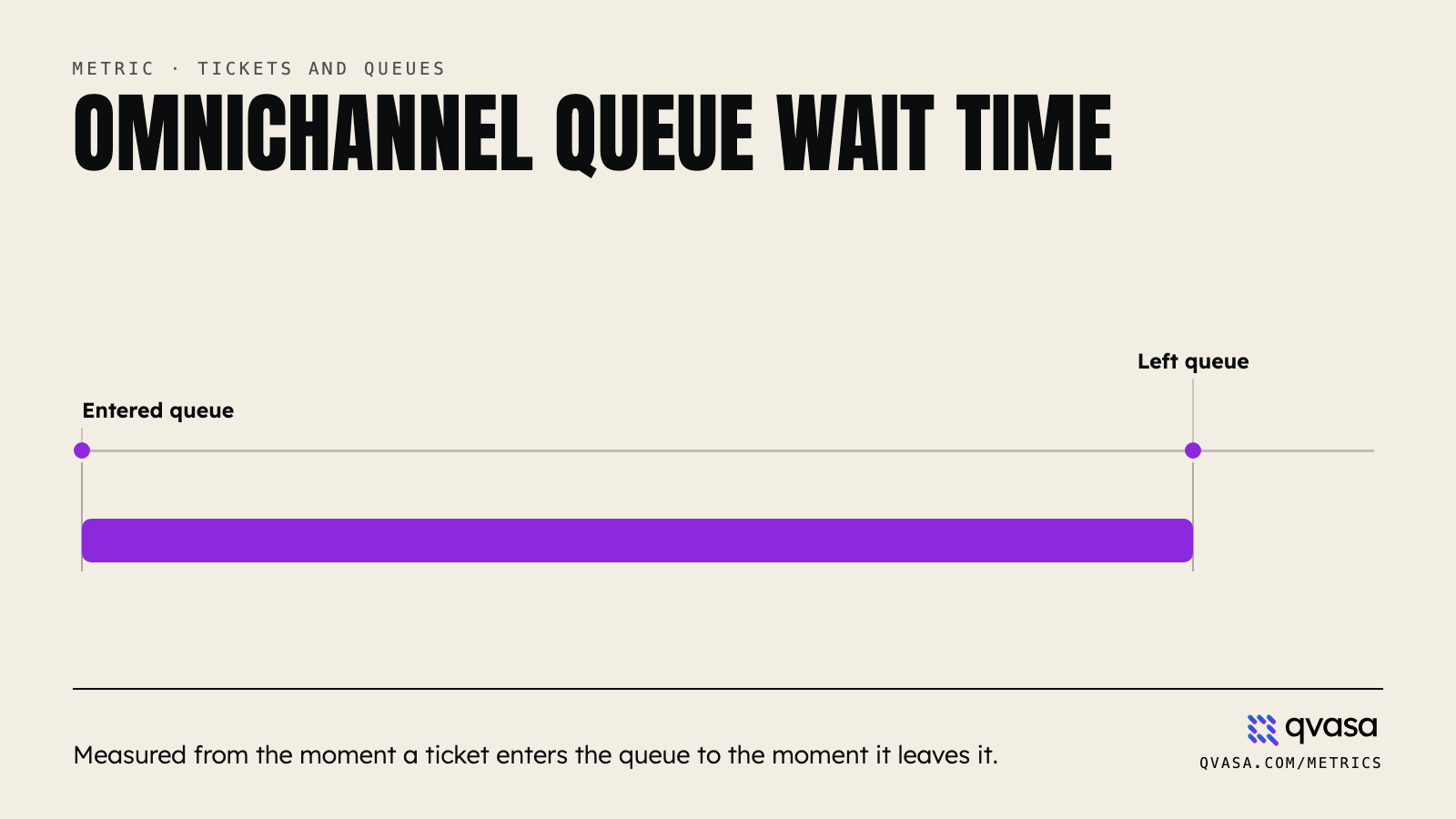
How is Omnichannel Queue Wait Time calculated?
The historical figures take every queue stay that began in the date range and has ended, however it ended (accepted, transferred out or assigned), and report the average or median length of the stay. They are available for all channels together or for email, messaging and Talk separately, per queue, per queue collection or per Zendesk group. The live variants measure tickets still waiting, from entering the queue to now, as an average, median, longest or total wait.
FormulaOmnichannel Queue Wait Time = the time from "Entered queue" to "Left queue"
Why Omnichannel Queue Wait Time matters
A long omnichannel queue wait time means customers wait before any agent picks up their ticket; the per-queue, per-group and over-time views show where that time builds up.
Where it appears in Qvasa
Omnichannel Queue Wait Time is available as a quick stat, an over-time chart, a by-group breakdown, a by-queue breakdown and a trend over time by ticket attribute (54 dashboard widgets measure it), and every number drills down to the tickets, calls or agents behind it.
- quick stat
- over-time chart
- by-group breakdown
- by-queue breakdown
- trend over time by ticket attribute
Related metrics
- Omnichannel Queue Height Omnichannel Queue Height is the number of tickets sitting in a Zendesk omnichannel queue, waiting for an agent, at a moment in time.
- Total Customer Wait Time Total Customer Wait Time is the average, per ticket, of the total time the customer spent waiting for agent replies.
- Call Wait Time Call wait time is how long callers wait in the Zendesk Talk queue for an available agent, shown as the average or the longest wait.
- Messaging Queue Height Open-status tickets that have a messaging conversation plus currently-open messaging bot interactions, added together.
Omnichannel Queue Wait Time, answered
How is Omnichannel Queue Wait Time calculated?
The historical figures take every queue stay that began in the date range and has ended, however it ended (accepted, transferred out or assigned), and report the average or median length of the stay. They are available for all channels together or for email, messaging and Talk separately, per queue, per queue collection or per Zendesk group. The live variants measure tickets still waiting, from entering the queue to now, as an average, median, longest or total wait. In short: Omnichannel Queue Wait Time = the time from "Entered queue" to "Left queue".
Why does Omnichannel Queue Wait Time matter?
A long omnichannel queue wait time means customers wait before any agent picks up their ticket; the per-queue, per-group and over-time views show where that time builds up.
See Omnichannel Queue Wait Time on the live dashboards product page, read the guides, or browse the full metrics dictionary.
See your floor live.
Start free, or watch it run on your own queues in a 30-minute demo.