What is Quiq Assignment Session Handle Time?
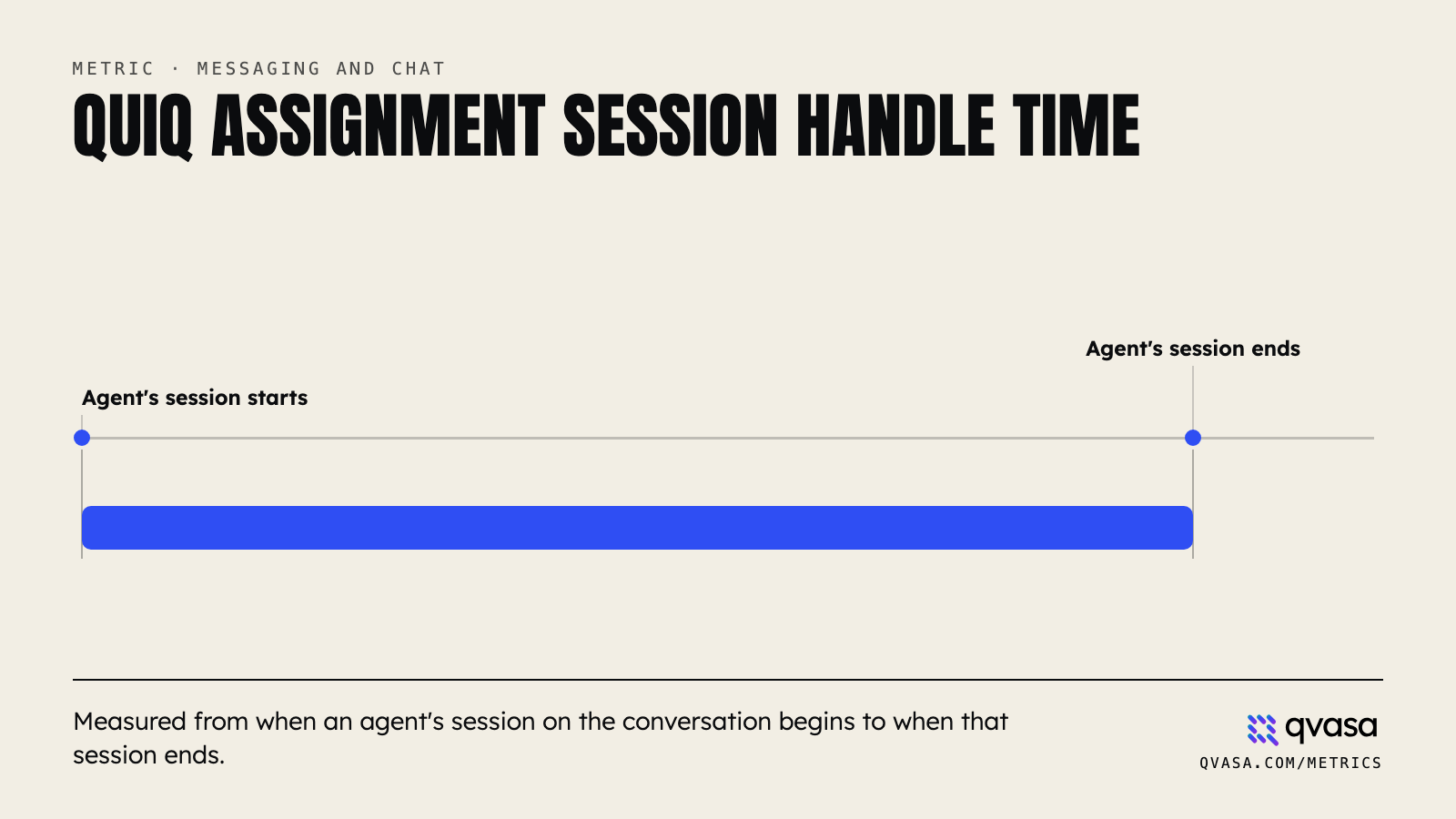
Quiq assignment session handle time is how long an agent spent on a Quiq conversation in one assignment session, from when their session on the conversation began to when it ended.
How Quiq Assignment Session Handle Time is measured
How is Quiq Assignment Session Handle Time calculated?
Qvasa takes the sessions that started in the selected date range and have ended, and reports the average or the median length, for the team, per agent and over time. Sessions still in progress have no length yet and are left out. A new session starts each time a conversation passes to an agent, so a handed-off conversation has several.
FormulaQuiq Assignment Session Handle Time = the time from "Agent's session starts" to "Agent's session ends"
Why Quiq Assignment Session Handle Time matters
It is the per-agent view of handle time, so a handoff does not charge one agent with the whole conversation. Because agents can hold a session after a conversation goes quiet, read it next to active chat duration.
Where it appears in Qvasa
Quiq Assignment Session Handle Time is available as a quick stat, an over-time chart, a by-agent breakdown and a by-agent trend over time (8 dashboard widgets measure it), and every number drills down to the tickets, calls or agents behind it.
- quick stat
- over-time chart
- by-agent breakdown
- by-agent trend over time
Related metrics
- Quiq Conversation Handle Time Quiq conversation handle time is the time from when an agent is first assigned a Quiq conversation to the last message in it.
- Quiq Active Chat Duration Quiq active chat duration is the length of an active chat on Quiq: one stretch of an agent's assignment session during which the conversation was active.
- Quiq Assignment Handle Time SLA Attainment Quiq assignment handle time SLA attainment is the percentage of Quiq conversation assignments whose handle time, from when the agent is first assigned the conversation to when their time on it ends, was within the SLA threshold.
- Quiq Conversation Assignments Quiq conversation assignments is the number of times a Quiq conversation was assigned to an agent.
Quiq Assignment Session Handle Time, answered
How is Quiq Assignment Session Handle Time calculated?
Qvasa takes the sessions that started in the selected date range and have ended, and reports the average or the median length, for the team, per agent and over time. Sessions still in progress have no length yet and are left out. A new session starts each time a conversation passes to an agent, so a handed-off conversation has several. In short: Quiq Assignment Session Handle Time = the time from "Agent's session starts" to "Agent's session ends".
Why does Quiq Assignment Session Handle Time matter?
It is the per-agent view of handle time, so a handoff does not charge one agent with the whole conversation. Because agents can hold a session after a conversation goes quiet, read it next to active chat duration.
See Quiq Assignment Session Handle Time on the messaging analytics product page, read the guides, or browse the full metrics dictionary.
See your floor live.
Start free, or watch it run on your own queues in a 30-minute demo.