Session Time After Last Customer Message
Also called: Last Customer Message to Session End, Last End User Message to Session End
What is Session Time After Last Customer Message?
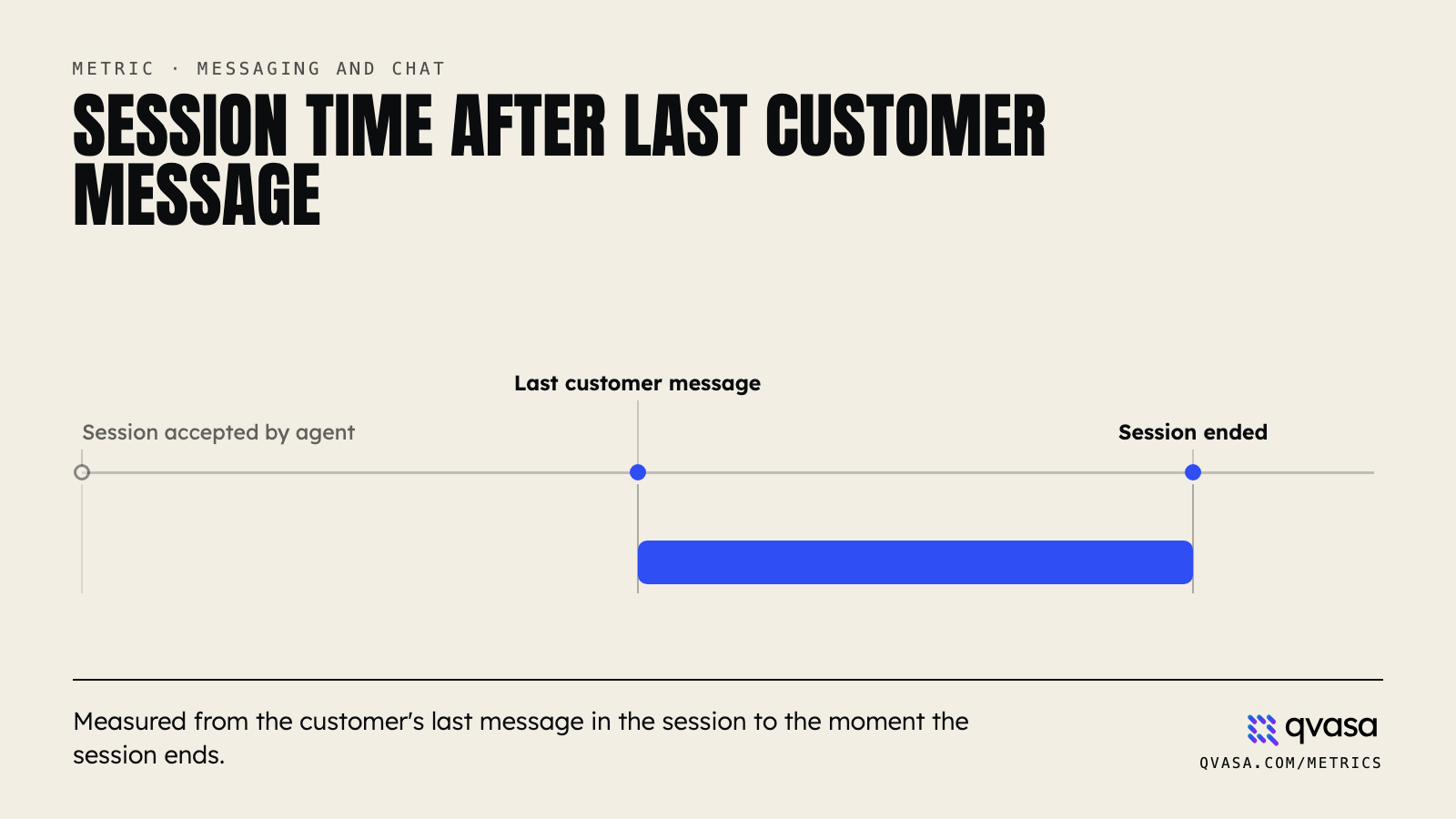
Session time after last customer message is the time from the customer's last message in a Zendesk messaging session to the moment the session ended: how long sessions stay open after the customer went quiet.
How Session Time After Last Customer Message is measured
How is Session Time After Last Customer Message calculated?
Only ended sessions with a customer message are included, and the duration is never below zero. Sessions are messaging work items an agent accepted, counted in the date range in which they ended. Qvasa shows the average or the median, overall, over time, per agent and per agent over time. A companion count, overall and per agent, shows the sessions whose time was over a threshold in seconds that is set on the metric.
FormulaSession Time After Last Customer Message = the time from "Last customer message" to "Session ended"
Why Session Time After Last Customer Message matters
Sessions kept open long after the customer stopped writing hold messaging capacity that waiting customers could use. The over-threshold count points to the sessions and agents where this happens.
Where it appears in Qvasa
Session Time After Last Customer Message is available as a quick stat, an over-time chart, a by-agent breakdown and a by-agent trend over time (10 dashboard widgets measure it), and every number drills down to the tickets, calls or agents behind it.
- quick stat
- over-time chart
- by-agent breakdown
- by-agent trend over time
Related metrics
- Session Time After Last Agent Message Session time after last agent message is the time from the agent's last message in a Zendesk messaging session to the moment the session ended: how long sessions stay open after the agent last wrote.
- Messaging Session Duration Messaging session duration is the length of an active Zendesk messaging session, from the moment the agent accepted it to the moment it ended.
- Messaging Sessions Ended With Customer Waiting Messaging sessions ended with customer waiting is the number and percentage of Zendesk messaging sessions that ended while the customer was still waiting on the agent.
- Free Messaging Slots Free messaging slots is the number of additional messaging conversations an omnichannel queue's online agents can take right now, before the queue backs up.
Session Time After Last Customer Message, answered
How is Session Time After Last Customer Message calculated?
Only ended sessions with a customer message are included, and the duration is never below zero. Sessions are messaging work items an agent accepted, counted in the date range in which they ended. Qvasa shows the average or the median, overall, over time, per agent and per agent over time. A companion count, overall and per agent, shows the sessions whose time was over a threshold in seconds that is set on the metric. In short: Session Time After Last Customer Message = the time from "Last customer message" to "Session ended".
Why does Session Time After Last Customer Message matter?
Sessions kept open long after the customer stopped writing hold messaging capacity that waiting customers could use. The over-threshold count points to the sessions and agents where this happens.
See Session Time After Last Customer Message on the messaging analytics product page, read the guides, or browse the full metrics dictionary.
See your floor live.
Start free, or watch it run on your own queues in a 30-minute demo.