Time in Unified Status
Also called: Time in Custom Status, Break Time, Lunch Time
What is Time in Unified Status?
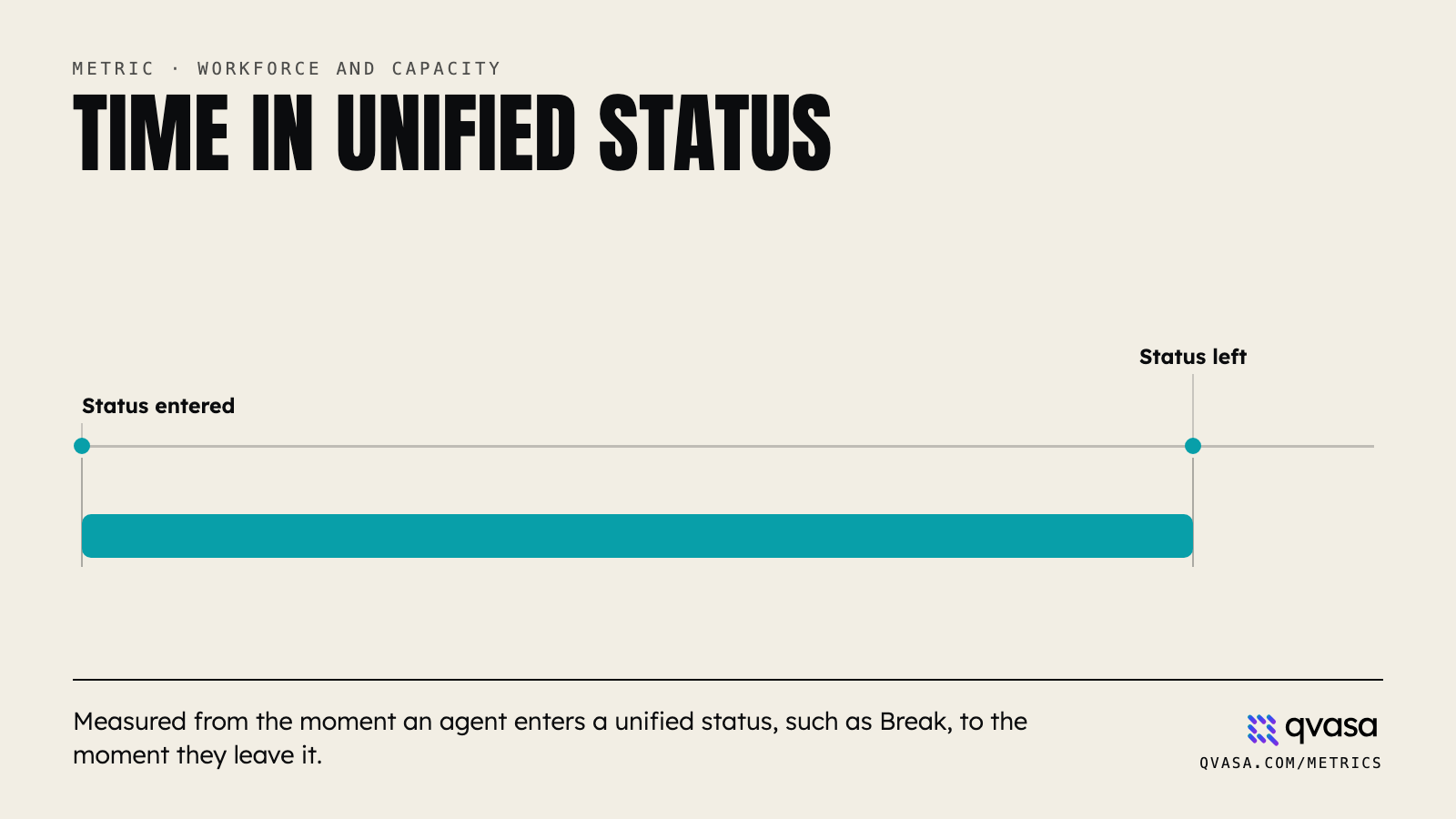
Time in unified status is how long agents spend in a Zendesk unified (custom) agent status such as Break or Lunch, measured from entering the status to leaving it.
How Time in Unified Status is measured
How is Time in Unified Status calculated?
Each stint in the status is one record. The average and the median are taken over finished stints that ended in the selected date range (the team figures also require the stint to have started in it). The total adds the part of every stint that falls inside the range, including one still running, counted up to now. All are available per agent or for the team, with a per-day variant that averages each agent's daily time in the status across the days they were in it.
FormulaTime in Unified Status = the time from "Status entered" to "Status left"
Why Time in Unified Status matters
Custom status time is where a schedule meets reality: a planned 30-minute lunch that averages 45 minutes shows up here first.
Where it appears in Qvasa
Time in Unified Status is available as a quick stat, a by-agent breakdown, a breakdown by ticket attribute and a by-agent trend over time (23 dashboard widgets measure it), and every number drills down to the tickets, calls or agents behind it.
- quick stat
- by-agent breakdown
- breakdown by ticket attribute
- by-agent trend over time
Related metrics
- Agents in a Unified Status Agents in a unified status is the live count of agents currently in a chosen Zendesk unified (custom) agent status, such as Lunch or Training.
- Unified Status Occurrences Unified Status Occurrences is the number of times agents were in a chosen Zendesk unified (custom) agent status in a date range, for example how many times agents went to Lunch last month.
- Productive Time Productive time is the total time agents spent in the unified statuses the account marks as Productive on its Agent Statuses settings page.
- Online Time Online time is the total time agents were clocked in with Online status on a channel: Email Support, Messaging or Talk.
- Schedule Adherence Schedule Adherence is the share of the time agents were scheduled to be online on a channel that they were actually online.
Time in Unified Status, answered
How is Time in Unified Status calculated?
Each stint in the status is one record. The average and the median are taken over finished stints that ended in the selected date range (the team figures also require the stint to have started in it). The total adds the part of every stint that falls inside the range, including one still running, counted up to now. All are available per agent or for the team, with a per-day variant that averages each agent's daily time in the status across the days they were in it. In short: Time in Unified Status = the time from "Status entered" to "Status left".
Why does Time in Unified Status matter?
Custom status time is where a schedule meets reality: a planned 30-minute lunch that averages 45 minutes shows up here first.
See Time in Unified Status on the workforce management product page, read the guides, or browse the full metrics dictionary.
See your floor live.
Start free, or watch it run on your own queues in a 30-minute demo.