What is Time to Close?
Average time from open to close in a time period.
How Time to Close is measured
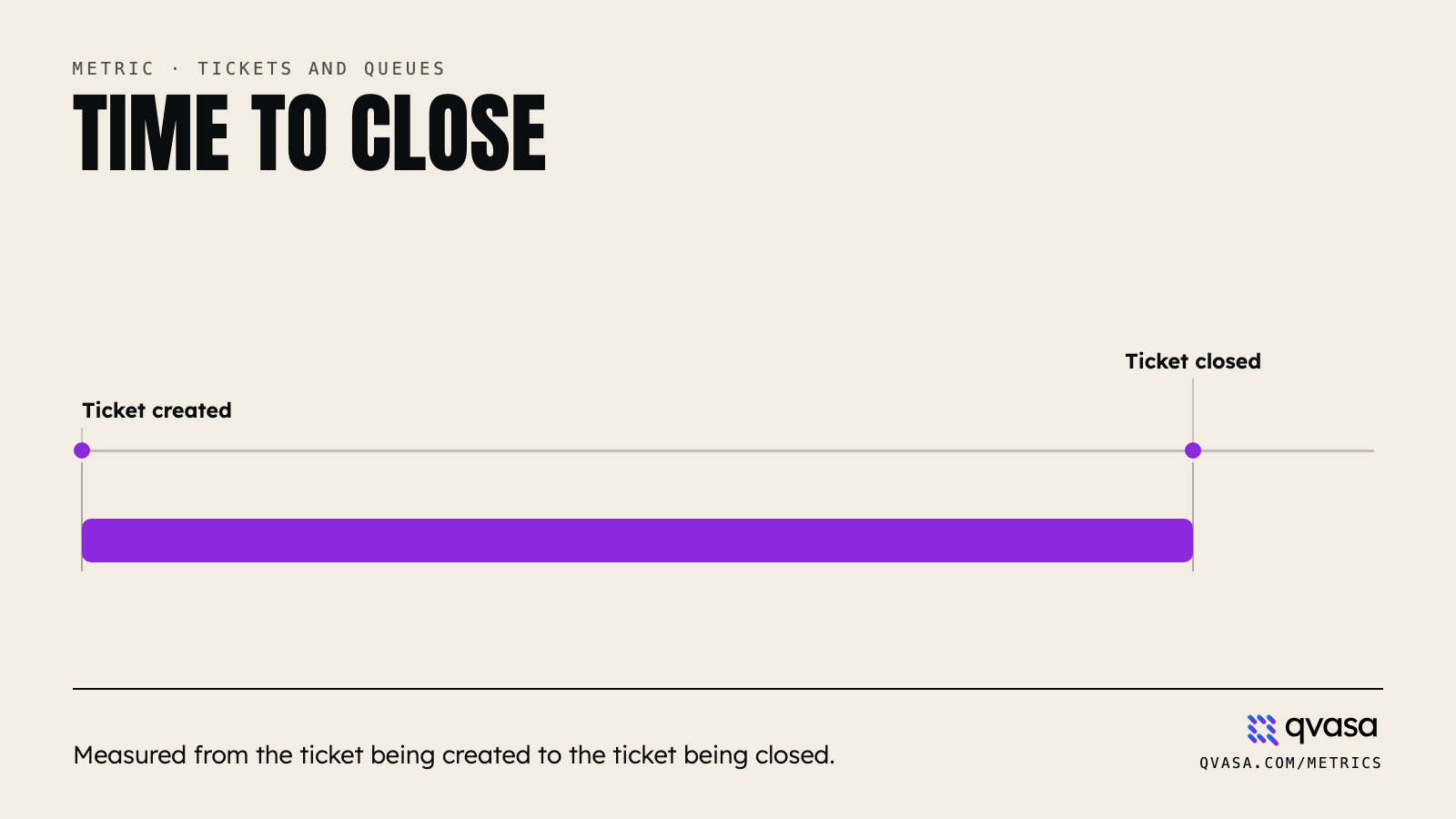
How is Time to Close calculated?
The clock runs from the ticket's creation to its entry into the Closed status, and tickets are scoped in by the close date within the selected range. The single average counts a ticket that was created already closed as zero; the breakdowns leave such tickets out. Breakdowns by business hours schedule, organization, phone number and Zendesk group show the average, the median and the total.
FormulaTime to Close = the time from "Ticket created" to "Ticket closed"
Why Time to Close matters
A long time to close means customers wait or work sits idle. The breakdowns by group, organization, schedule and phone number show where that time builds up.
Where it appears in Qvasa
Time to Close is available as a quick stat, a breakdown by ticket attribute, a by-phone-number breakdown and a by-group breakdown (13 dashboard widgets measure it), and every number drills down to the tickets, calls or agents behind it.
- quick stat
- breakdown by ticket attribute
- by-phone-number breakdown
- by-group breakdown
Related metrics
- Tickets Created Tickets created is the number of tickets opened in the period.
- Tickets Solved Count of tickets solved within the specified date range.
- Tickets Closed Count of tickets closed in a time period.
- Tickets Reopened Tickets reopened is the number of tickets that moved out of the Solved status back to an unsolved status within the date range.
Time to Close, answered
How is Time to Close calculated?
The clock runs from the ticket's creation to its entry into the Closed status, and tickets are scoped in by the close date within the selected range. The single average counts a ticket that was created already closed as zero; the breakdowns leave such tickets out. Breakdowns by business hours schedule, organization, phone number and Zendesk group show the average, the median and the total. In short: Time to Close = the time from "Ticket created" to "Ticket closed".
Why does Time to Close matter?
A long time to close means customers wait or work sits idle. The breakdowns by group, organization, schedule and phone number show where that time builds up.
See Time to Close on the live dashboards product page, read the guides, or browse the full metrics dictionary.
See your floor live.
Start free, or watch it run on your own queues in a 30-minute demo.