Time in a Status Collection
Also called: Status Collection Duration, Total Time in a Status Group
What is Time in a Status Collection?
Time in a Status Collection is the total time agents spent in any status of a status collection, a named set of Zendesk unified (custom) agent statuses defined in Qvasa, such as all break statuses together.
How Time in a Status Collection is measured
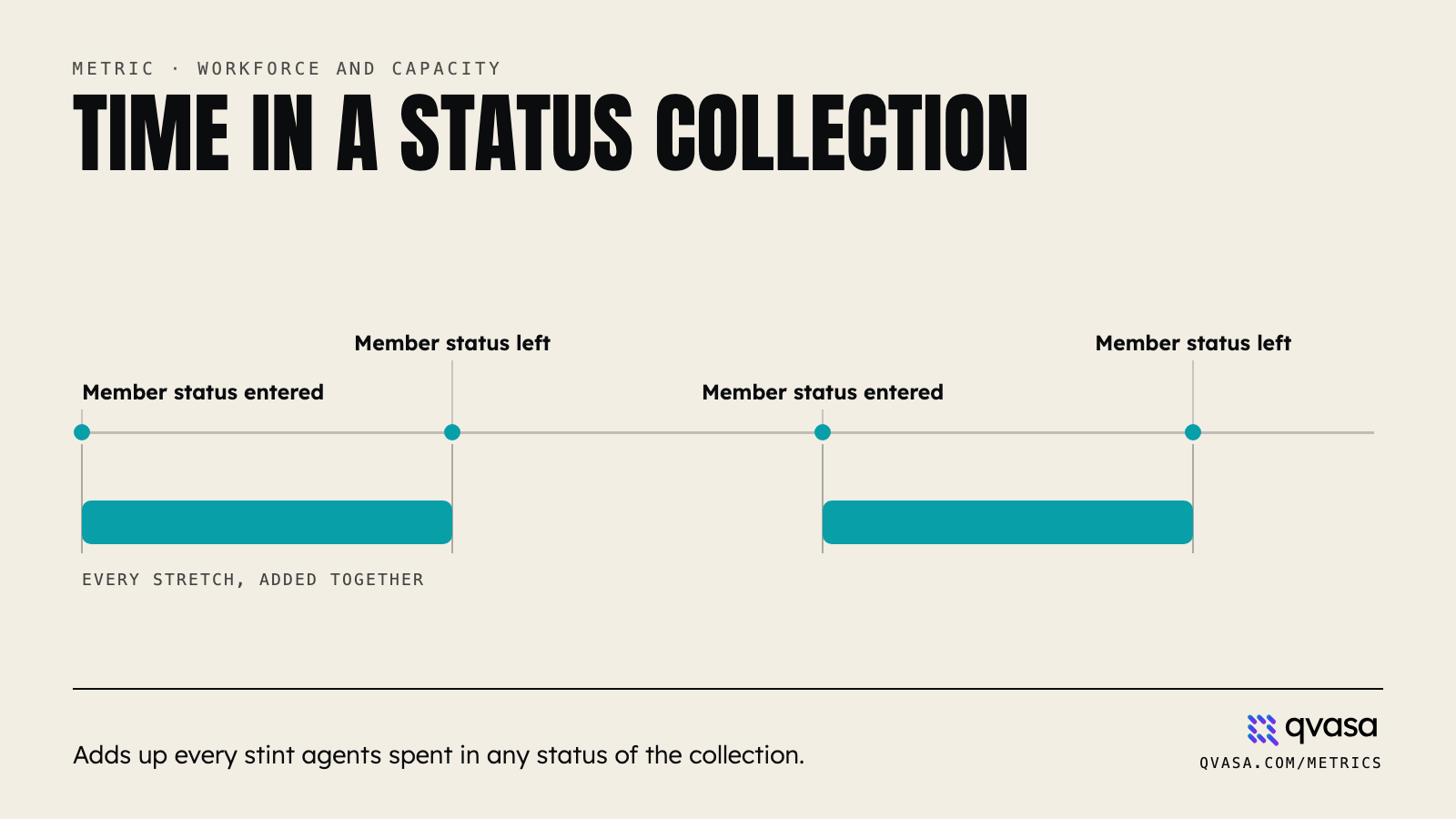
How is Time in a Status Collection calculated?
Qvasa adds up every stint in every member status over the selected date range. A stint counts when it overlaps the range, and only the part inside the range is counted. The total is shown as one number, per agent, per agent over time, by a Zendesk agent field or by the skills agents hold. A current-duration variant shows how long each agent has been in their present status when that status belongs to the collection.
FormulaTime in a Status Collection = the sum of every stretch: time from "Member status entered" to "Member status left"
Why Time in a Status Collection matters
It shows how much of a team's time goes to a category of activity, for example every kind of break or every kind of offline work, without summing individual statuses by hand.
Where it appears in Qvasa
Time in a Status Collection is available as a quick stat, a by-agent breakdown, a breakdown by ticket attribute and a by-agent trend over time (7 dashboard widgets measure it), and every number drills down to the tickets, calls or agents behind it.
- quick stat
- by-agent breakdown
- breakdown by ticket attribute
- by-agent trend over time
Related metrics
- Time in Unified Status Time in unified status is how long agents spend in a Zendesk unified (custom) agent status such as Break or Lunch, measured from entering the status to leaving it.
- Agents in a Status Collection Agents in a Status Collection is the number of agents currently in any status of a status collection: a named set of Zendesk unified (custom) agent statuses that an admin defines in Qvasa, such as every break status.
- Productive Time Productive time is the total time agents spent in the unified statuses the account marks as Productive on its Agent Statuses settings page.
- Unified Status Occurrences Unified Status Occurrences is the number of times agents were in a chosen Zendesk unified (custom) agent status in a date range, for example how many times agents went to Lunch last month.
Time in a Status Collection, answered
How is Time in a Status Collection calculated?
Qvasa adds up every stint in every member status over the selected date range. A stint counts when it overlaps the range, and only the part inside the range is counted. The total is shown as one number, per agent, per agent over time, by a Zendesk agent field or by the skills agents hold. A current-duration variant shows how long each agent has been in their present status when that status belongs to the collection. In short: Time in a Status Collection = the sum of every stretch: time from "Member status entered" to "Member status left".
Why does Time in a Status Collection matter?
It shows how much of a team's time goes to a category of activity, for example every kind of break or every kind of offline work, without summing individual statuses by hand.
See Time in a Status Collection on the workforce management product page, read the guides, or browse the full metrics dictionary.
See your floor live.
Start free, or watch it run on your own queues in a 30-minute demo.