Time in Work Item Status
Also called: Wrap-Up Time, Ringing Time
What is Time in Work Item Status?
Time in work item status is how long agents spend in a work item status such as ringing, on a call, in call wrap-up or holding a messaging work item, measured per stint.
How Time in Work Item Status is measured
How is Time in Work Item Status calculated?
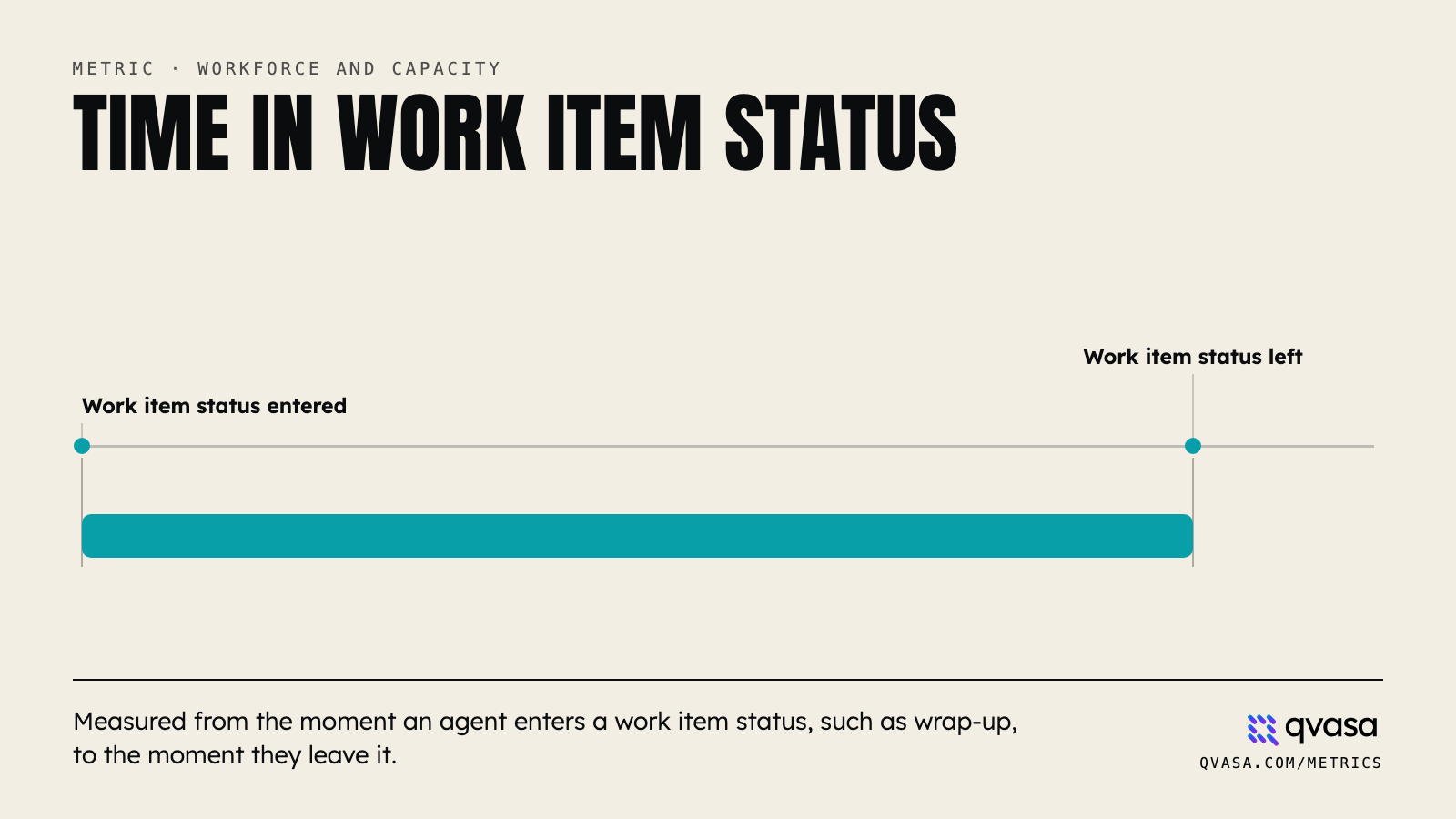
Each time an agent enters a work item status and leaves it is one record. Qvasa reports the average, the median and the total duration across those records in the selected date range, per agent or for the team, and the longest duration of a status an agent is currently in.
FormulaTime in Work Item Status = the time from "Work item status entered" to "Work item status left"
Why Time in Work Item Status matters
Wrap-up and ringing time are where phone handle time hides. Measuring them per stint shows whether after-call work or slow pickups are eating agent capacity.
Where it appears in Qvasa
Time in Work Item Status is available as a quick stat and a by-agent breakdown (7 dashboard widgets measure it), and every number drills down to the tickets, calls or agents behind it.
- quick stat
- by-agent breakdown
Related metrics
- Agents in a Work Item Status Agents in a work item status is the live count of agents currently in a chosen work item status: ringing, on an inbound or outbound call, in call wrap-up, or holding a messaging work item.
- Call Handle Time Call handle time is the time from when an agent answered an inbound call to when the call ended: talk, hold and transfer time.
- Occupancy Rate Occupancy rate is the percentage of agents' online time spent actively working.
- Idle Time Idle Time is the total time agents were online on a channel with no work attached: on Talk, no call ringing, in progress or in wrap-up; on Messaging, no conversation offered or in an active session.
Time in Work Item Status, answered
How is Time in Work Item Status calculated?
Each time an agent enters a work item status and leaves it is one record. Qvasa reports the average, the median and the total duration across those records in the selected date range, per agent or for the team, and the longest duration of a status an agent is currently in. In short: Time in Work Item Status = the time from "Work item status entered" to "Work item status left".
Why does Time in Work Item Status matter?
Wrap-up and ringing time are where phone handle time hides. Measuring them per stint shows whether after-call work or slow pickups are eating agent capacity.
See Time in Work Item Status on the workforce management product page, read the guides, or browse the full metrics dictionary.
See your floor live.
Start free, or watch it run on your own queues in a 30-minute demo.